

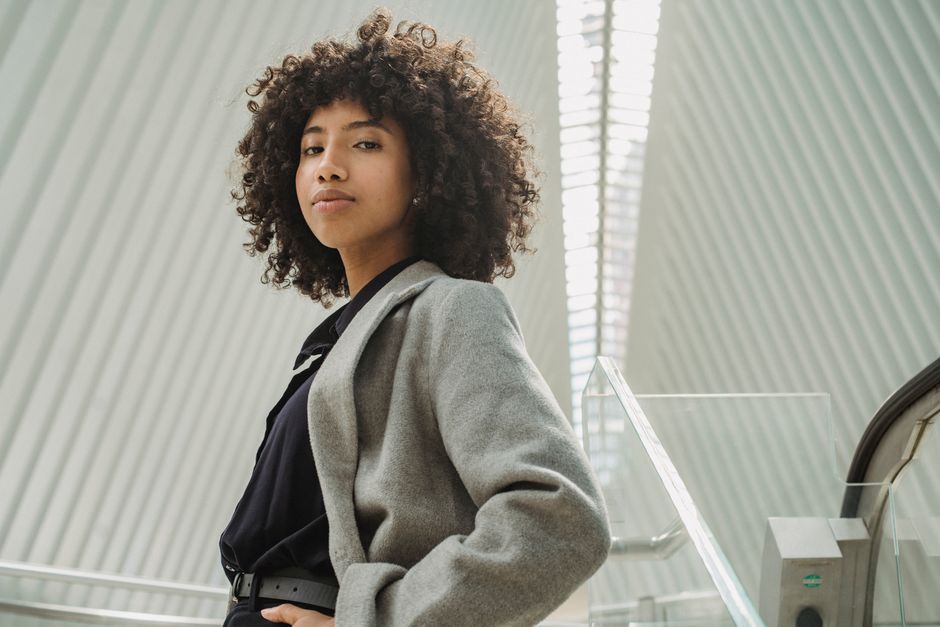
February interviews often happen under flat window light, weak outdoor daylight, or a blue computer screen. The right outfit keeps your face readable on camera while still looking polished in a cold-weather office.
Why February Grey Light Changes What the Camera Sees
Grey daylight removes the warm glow that makes many clothes look flattering in a shop mirror. It also lowers the difference between your skin, shirt, jacket, and background. A black blazer can turn into one dark block, while a bright white shirt can pull attention away from your face. Your goal is not to dress brightly for its own sake. Your goal is to create clear visual steps from face to collar to jacket.
Flat light reduces useful contrast
Most February window light arrives from one large, cloudy source. That light softens shadows, but it also softens edges. A jacket with a clear lapel, a shirt with a firm collar, or a fine knit with visible ribbing gives the camera more structure to capture. Avoid outfits made from one smooth color from neck to ankle. They look elegant in person but often lose shape in a webcam frame or a quick hallway photograph.
Blue light makes some colors look tired
Cool daylight can push pale grey, icy beige, and blue-white shirts toward the same value as your skin. That lack of separation may make your complexion look dull. Mid-tone colors such as ink navy, forest green, burgundy, camel, and warm taupe create a cleaner boundary around the face. A small amount of warmth near the collar usually helps more than a bright statement piece farther down the outfit.
Matte texture beats reflective polish
Shiny satin, coated fabric, patent leather, and smooth synthetic blends catch a window reflection or laptop glow. The camera may record a bright patch instead of the garment’s color. Choose brushed wool, crepe, cotton twill, ribbed knit, or matte leather. These surfaces keep their tone when the light changes, which makes the outfit look steady during a video call and in a photo taken beside a window.
Choose Outfit Contrast With This Grey-Light Table
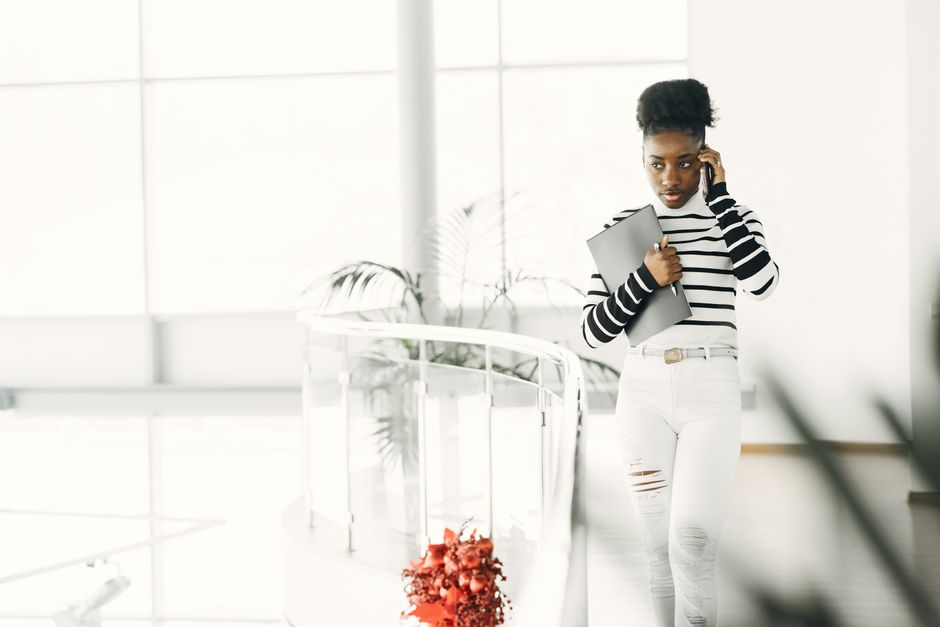
Start with the background and lighting, then choose the outfit’s value range. Value means how light or dark a color appears, not simply its color name. A navy top can look darker than a black top under one lamp, while a warm beige can look almost white beside a pale wall. Use the table as a quick planning tool before you dress.
Match the outfit to the room
| Interview setting | Best upper-half contrast | Colors to limit | Reason |
|---|---|---|---|
| Cloudy window behind you | Mid-tone top with a darker jacket | White shirt without a jacket | Prevents your face and shirt from blending into the window |
| Grey wall behind you | Warm navy, burgundy, or camel | Medium grey from collar to waist | Creates separation from the background |
| Dark room with a bright screen | Soft cream shirt with a medium jacket | Glossy black fabric | Stops the screen from creating harsh reflections |
| Outdoor February photo | Deep green, ink blue, or rust accent | Icy pastels | Keeps color visible under cool daylight |
Use the three-zone rule
Build three visible zones: a face-framing layer, a middle layer, and a lower half that supports the shape. The strongest combination for grey light is a warm or mid-tone shirt, a structured jacket, and trousers that sit one step darker or lighter than the jacket. This gives the camera enough separation without creating a costume-like contrast.
My clear pick is a medium-dark jacket over a slightly lighter matte top. It works across office webcams, phone cameras, and cloudy outdoor light because the outfit still shows edges when the room changes.
Build the Outfit in This Order
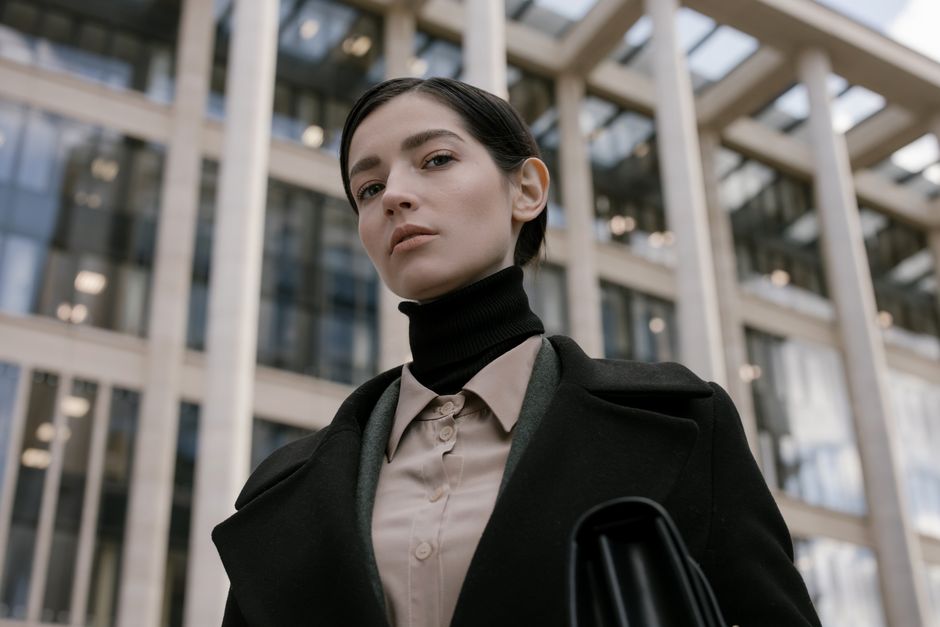
Dress from the camera outward. Start with the part the interviewer will see first, then add warmth and polish without hiding the line of your shoulders.
Use this seven-step dressing sequence
- Choose a matte top in warm white, soft blue, burgundy, forest green, or taupe. Avoid a pure optic white shirt if a bright window sits behind you.
- Add a jacket with visible structure. The J.Crew Factory Schoolboy Blazer, a two-button notch-lapel style, gives the upper body a clear outline without looking formal enough for a courtroom.
- Pick trousers with a clean front and enough room to sit comfortably. Everlane The Dream Pant, a four-way-stretch ankle trouser, works well when you need a neat line during a long video interview.
- Use a thermal layer only if it stays hidden. The Uniqlo HEATTECH Extra Warm Crew Neck T-Shirt is a long-sleeve base layer; keep its neckline below the shirt or knit collar.
- Choose shoes with a quiet finish. The Sam Edelman Loraine Bit Loafer has an almond toe and low stacked heel, so it looks finished without creating a bright reflection on a hard floor.
- Keep accessories small near the face. A simple watch or small metal stud adds definition; a large reflective necklace can bounce the window light.
- Photograph the complete outfit from the same height as the camera. Check the collar, shoulder line, trouser break, and any glare before interview day.
Make the product choice serve the frame
These named pieces are useful references because their shapes solve specific problems: the blazer adds shoulder structure, the trouser controls the lower line, the thermal layer adds warmth, and the loafer finishes the outfit without visual noise. Do not buy a piece simply because a product page calls it professional. If the cut pulls across your chest, the fabric shines, or the collar collapses, it fails the camera test regardless of brand.
Fix the Five Problems That Ruin Interview Photos
A polished outfit can still fail in grey light if small details erase contrast or create glare. Check these issues before you leave home.
If the shirt looks brighter than your face
Move the brightest color away from the camera. Replace a stark white shirt with warm ivory, pale blue, or light taupe, or add a medium-tone jacket that breaks up the white area around your face. You want the interviewer to see your expression first, not a glowing collar.
If the jacket looks flat and shapeless
Turn slightly toward the light instead of facing the window straight on. Then check the shoulder seam and lapel. A jacket that sits too low on the shoulder loses its outline. A small shoulder adjustment or a narrower lapel often improves the photograph more than a new color would.
If glasses or jewelry create bright spots
Lower the screen brightness, move the light source slightly to one side, and choose brushed or satin-finish metal. Tilt the laptop a few degrees rather than tilting your head. If the reflection remains, remove one accessory. The face should carry the visual focus.
If winter layers bunch at the neck
Remove one hidden layer or switch to a thinner thermal top. Bulky fabric under a shirt pushes the collar upward and creates uneven shadows under the jaw. February warmth matters, but the camera only needs to see a clean neckline.
If the outfit looks too severe
Soften one element, not all of them. A warm taupe shirt under a navy jacket, a fine-gauge knit, or a brown leather belt can add life while the main silhouette stays professional. Avoid fixing severity with a loud print; grey light can make a busy pattern flicker on video.
Which Outfit Works for Each Interview Camera Setup?
What should you wear for a video interview beside a window?
Wear a warm mid-tone top under a structured jacket, and sit with the window in front of you rather than behind you. A COS Merino Wool Turtleneck can work as the base when its fine-gauge knit sits smoothly under the jacket. Keep the neckline visible and avoid a bright white wall directly behind your head.
What works for an in-person interview photographed outdoors?
Choose a darker outer layer with one visible warm accent. The J.Crew Factory Schoolboy Blazer over a muted berry or camel top gives the camera a clear shape in cold, washed-out light. Add a practical coat for travel, then remove it before the photograph so the interviewer sees the actual outfit.
What should you wear when the office has dim lighting?
Use a lighter matte top, medium jacket, and quiet shoes. The Uniqlo HEATTECH layer can keep you comfortable under a shirt, but it should never create a visible ridge beneath the collar. Test the outfit at the same time of day as the interview, because February light can shift from blue morning glare to warm indoor shadow within an hour.
That is the resolution for the grey February morning: build contrast around the face, control shine, and use layers that stay smooth on camera. The outfit does not need to fight the weather or the light. It only needs to keep your expression, posture, and answers easy to see.